
Download Oxynger KeyShield – Virtual Keyboard, Keylogger Protection, Password Security, Mouse Input, Secure Typing, Online Safety, Privacy Tool, Secure Login
Overview
Oxynger KeyShield is a specialized mobile application designed to enhance digital security by offering a unique method of password entry. Its primary purpose is to protect users from keylogging threats—malicious software that records keystrokes to capture sensitive data such as login credentials and financial information. By shifting input from physical keyboard presses to mouse-driven selection, the app eliminates the possibility of keystroke logging, making it a powerful supplementary tool in a broader cybersecurity strategy. This makes Oxynger KeyShield particularly relevant for individuals who frequently access banking platforms, email accounts, or other high-risk online services.
The app targets users who prioritize privacy and security, especially those operating on shared or potentially compromised devices. It serves as a practical solution for remote workers, digital nomads, and anyone concerned about online surveillance or data breaches. While the developer, Oxynger, is not detailed further in the provided information, the app’s focused functionality suggests a dedicated approach to cybersecurity innovation. Real-world use cases include logging into sensitive accounts on public computers, securing financial transactions, or using untrusted devices without exposing personal data. In the broader app ecosystem, Oxynger KeyShield fills a niche gap by offering a simple yet effective defense mechanism against a common cyber threat—keyloggers—complementing traditional antivirus tools.
Key Features & Functionality
- Enhanced Security via Mouse-Driven Input: Instead of typing with physical keys, users click on characters using a mouse or touchpad. This prevents any keystroke data from being captured by malware, offering a robust defense against keyloggers.
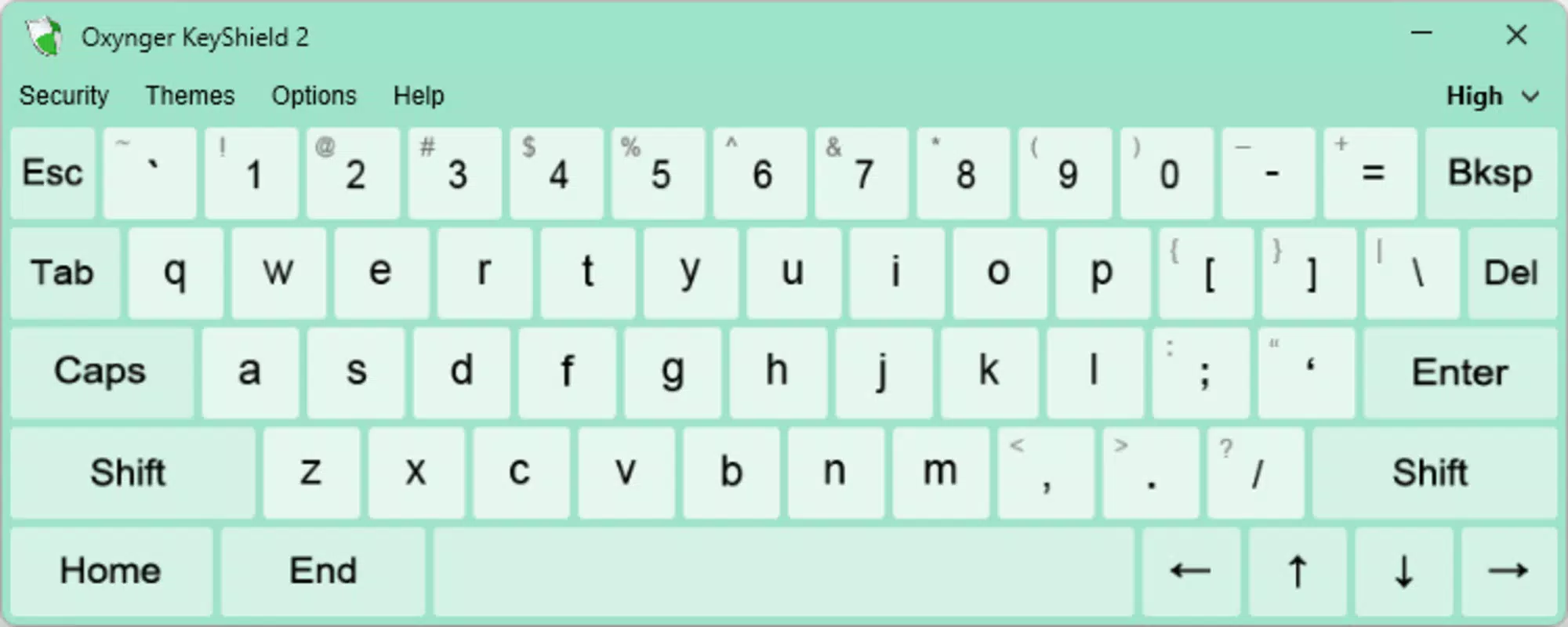
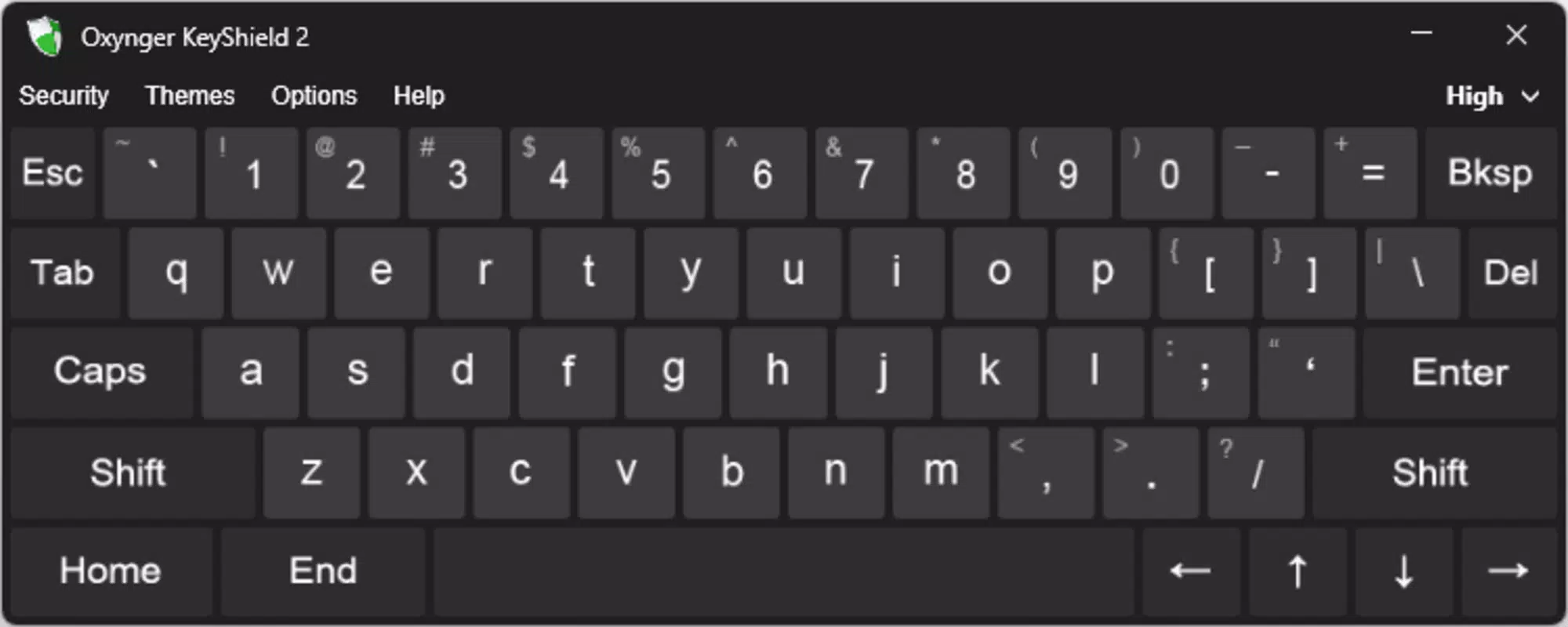
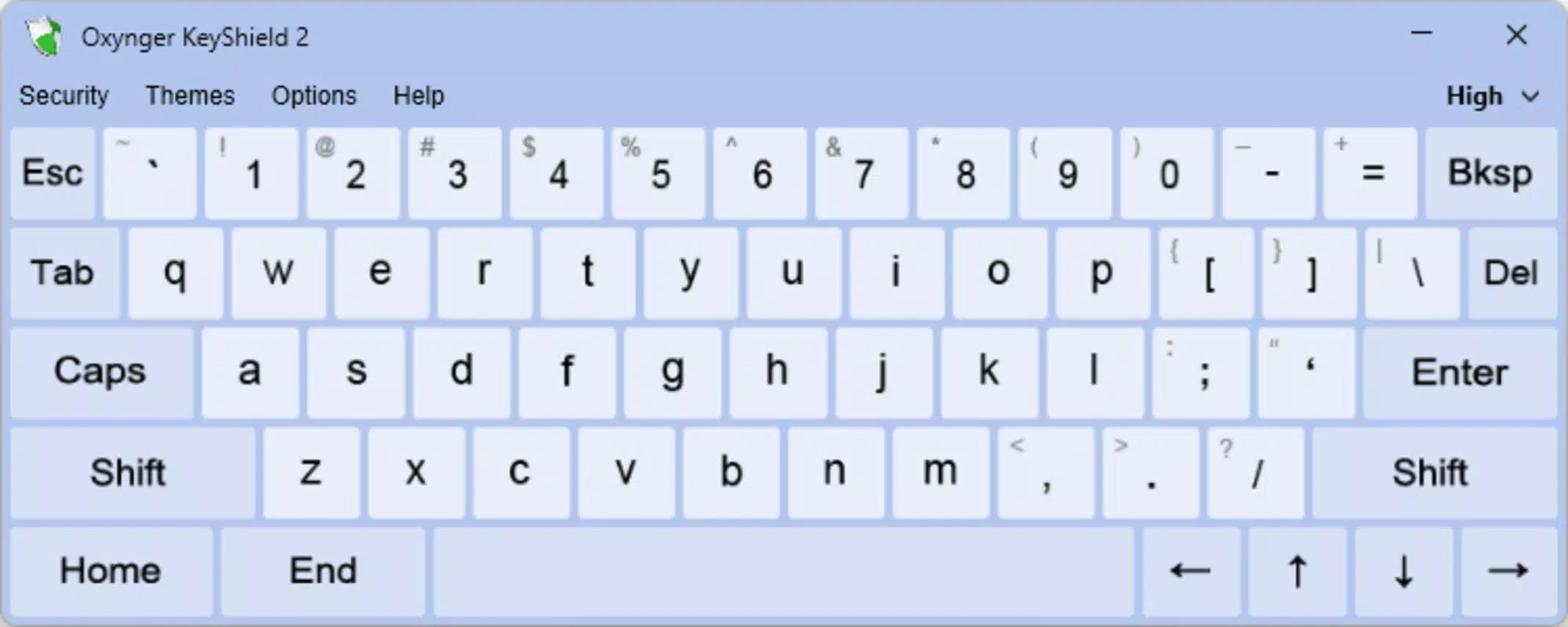
- Customizable Appearance with Skins: Users can personalize the keyboard’s look with different skins, allowing for visual customization that aligns with personal preferences while maintaining functionality.
- Adjustable Keyboard Size: The interface can be resized to suit different screen sizes and user workflows, ensuring it remains unobtrusive during use or can be expanded for better visibility.
- Supplementary Security Layer: While antivirus software provides baseline protection, Oxynger KeyShield adds an essential second line of defense, reducing the risk of identity theft and data breaches.
- Secure Login Experience: The app is optimized for entering passwords and sensitive information, making it ideal for high-security scenarios such as online banking or accessing confidential work accounts.
For example, a user logging into a banking app on a public Wi-Fi network can activate Oxynger KeyShield to enter their password safely. By clicking each character with a mouse, they eliminate the risk of keystroke logging, even if the device is infected. Similarly, a remote employee accessing a corporate network from a shared device can use the app to prevent credential theft. The combination of mouse input and visual customization ensures that security does not come at the cost of usability.
Interface, UX & Performance
The interface of Oxynger KeyShield is designed with simplicity and security in mind. The virtual keyboard appears as a clean, grid-based layout where users select characters using a mouse or touch input. The visual style emphasizes clarity, with clearly labeled keys and a minimalist design that reduces distraction. Navigation is intuitive—users simply click on the desired character, and it is entered into the active field without requiring additional confirmation steps.
Although the developer did not list formal performance metrics, the app’s lightweight nature—12.3 MB in size—suggests efficient resource usage. It is likely to run smoothly on a range of Android devices, including mid-tier and older models. Responsiveness appears to be a priority, as the input method relies on immediate feedback to maintain usability.
Stability is expected given the app’s focused functionality and lack of complex background processes. The app does not appear to require constant connectivity, making it usable in offline environments. Overall, the user experience balances security with practicality, ensuring that users can maintain high levels of protection without sacrificing ease of use.
Platform Compatibility & Technical Requirements
Oxynger KeyShield is available exclusively on the Android platform. The current version is 1.0.0, and the app occupies 12.3 MB of storage space. The developer did not specify minimum OS requirements or device compatibility details.
However, given its lightweight footprint and focus on core functionality, it is likely compatible with most Android devices released in the last several years. No additional permissions or system-level access are mentioned, suggesting a minimal impact on device performance and privacy. Users should ensure their device meets general Android standards for app installation, though specific technical prerequisites were not disclosed.
Pros and Cons
- Provides a unique method to prevent keylogger attacks
- Uses mouse input to eliminate keystroke logging risks
- Lightweight at just 12.3 MB
- Free to download and use
- Customizable skins for personalization
- Adjustable keyboard size for better fit
- Platform limited to Android (no iOS version available)
- No information on minimum OS version or device compatibility
- Requires mouse or touchpad for input, which may be less convenient on smaller screens
- Functionality is limited to password entry—no general typing support
- Developer did not provide detailed technical documentation
FAQ
Is Oxynger KeyShield safe to use?
Yes, the app is designed with security as a core principle. It uses mouse-driven input to prevent keylogging, and no sensitive data is stored or transmitted by the app itself.
Can I use Oxynger KeyShield on iOS devices?
Currently, the app is only available for Android. There is no official iOS version released.
Does Oxynger KeyShield require an internet connection?
No, the app functions offline. It does not need to connect to the internet to perform its primary function of secure password entry.
How does Oxynger KeyShield differ from antivirus software?
While antivirus software detects and removes malware, Oxynger KeyShield prevents data capture at the input level. It is a complementary tool, not a replacement, for existing security solutions.
Is the app free to download and use?
Yes, Oxynger KeyShield is completely free to download and use with no in-app purchases or hidden fees.
Final Thoughts
Oxynger KeyShield stands out as a focused, practical solution for users concerned about keylogger threats. Its mouse-driven input method offers a reliable way to protect sensitive information without relying on traditional typing. While it is limited in scope—designed solely for secure password entry—it excels in its niche. The app’s lightweight design, free access, and customizable interface make it accessible to a wide range of users, from casual internet users to professionals handling confidential data.
For anyone who values online privacy and wants an extra layer of protection, especially when using shared or untrusted devices, Oxynger KeyShield delivers real value. It complements existing security tools and enhances overall digital safety. In a world where cyber threats are increasingly sophisticated, even small defensive measures matter.
Download Oxynger KeyShield now


